How to manage subcontractors on site
Managing subcontractors well comes down to three systems: a clean onboarding that establishes who is on your site, a shared record where their work, defects and headcounts live, and scoped access so each company sees exactly their slice. Everything else — the chasing, the phone tag, the disputes — is what happens when those three are missing.
The three systems
-
Onboard people, not just companies
Before a sub's crew starts: who are they by name, which company, what competencies, and have they acknowledged your site rules and induction briefing? A directory that maps every person to their employer is the foundation the other systems stand on.
-
Run one shared work record
Tasks, defects and snags assigned to the sub live in one queue both parties see — with due dates, photos and status history. The alternative is parallel truths: your spreadsheet, their inbox, and a weekly argument about what was actually asked for and when.
-
Scope their access
Subs need to see their assignments, log their headcount and close their work — not browse your other projects, other subs' pricing-sensitive items, or client correspondence. Role-based access is what makes a shared system politically possible.
The daily rhythm
- Headcount per sub, every day. Labor by company in the daily log settles payment applications and underpins delay claims. Let subs enter their own — you verify, not transcribe.
- Assignments with evidence. Work assigned with a photo and a pin; work closed with a photo. Both sides accumulate protection, which is why both sides adopt it.
- A weekly look-ahead per sub. Ten minutes with each foreman on next week's tasks and blockers replaces most of the phone tag.
- Defect patterns, not just defect counts. Recurring failures by one trade (see defect tracking) are a supervision conversation to have in week 3, not at handover.
Doing this in TerenIQ
TerenIQ is built for the main-contractor-plus-subs reality:
- The directory tracks which subcontractor every person belongs to; roles run from owner and admin down to viewer and guest.
- Assign tasks, defects and snags to a sub's team — they get push notifications and see their queue, not your whole project.
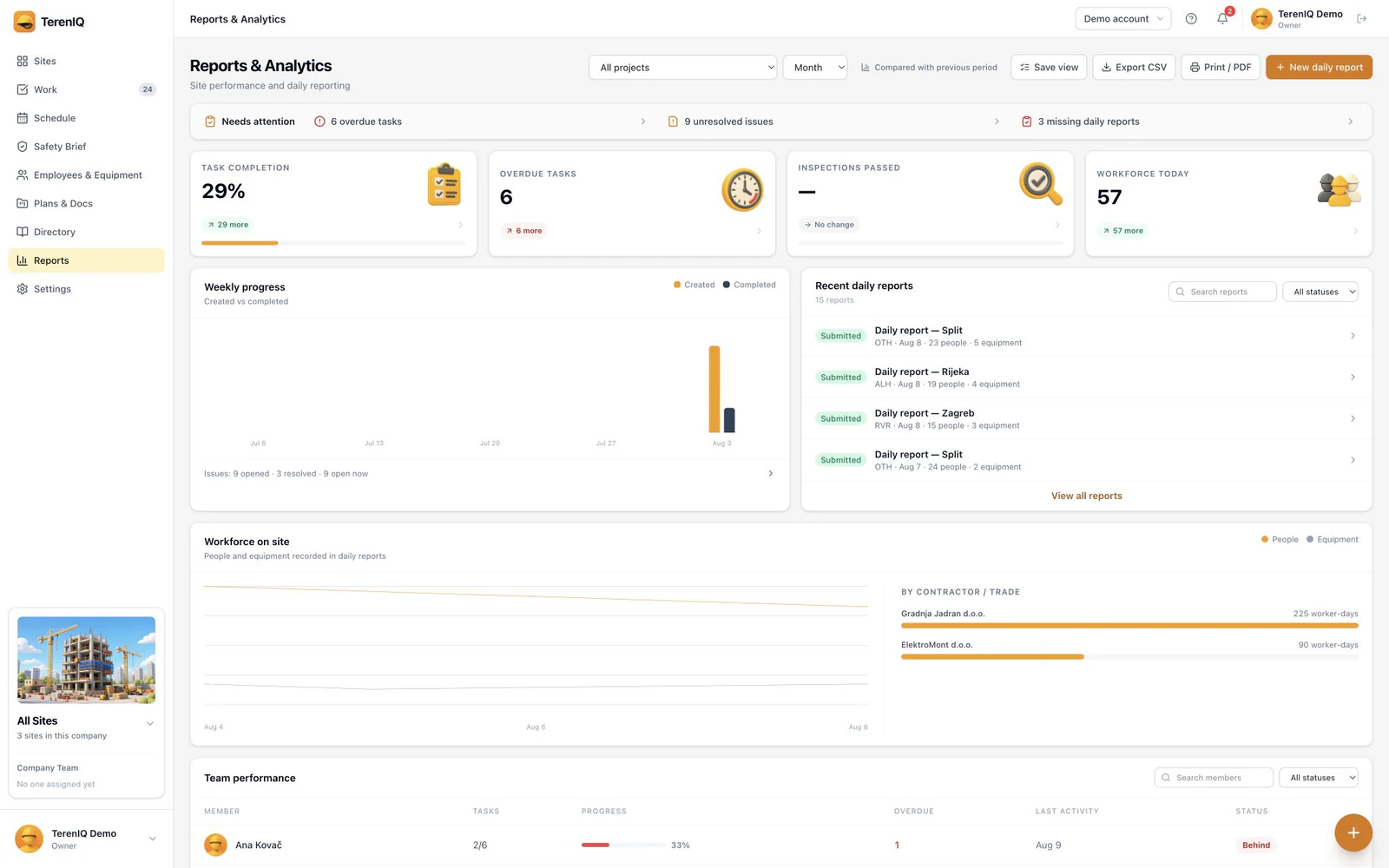
- Daily reports capture workforce per contractor automatically from the day's activity.
- Every interaction is on the record with names, times and photos — protection for both sides.
Frequently asked questions
Should subcontractors get access to our construction software?
Yes, with scoped roles — it is the difference between one shared record and email archaeology. Per-seat pricing for a foreman per sub is trivially cheaper than the disputes it prevents.
How do I track subcontractor hours on site?
Daily headcount per company, entered by the sub's foreman and verified by yours, as part of the daily report. It becomes the reference record for payment applications.
What if a subcontractor refuses to use the app?
Make the shared record the contractual channel: assignments and defects issued through it count as notified. Most refusals evaporate when the alternative is being off the record their payment depends on.