
Daily site reports
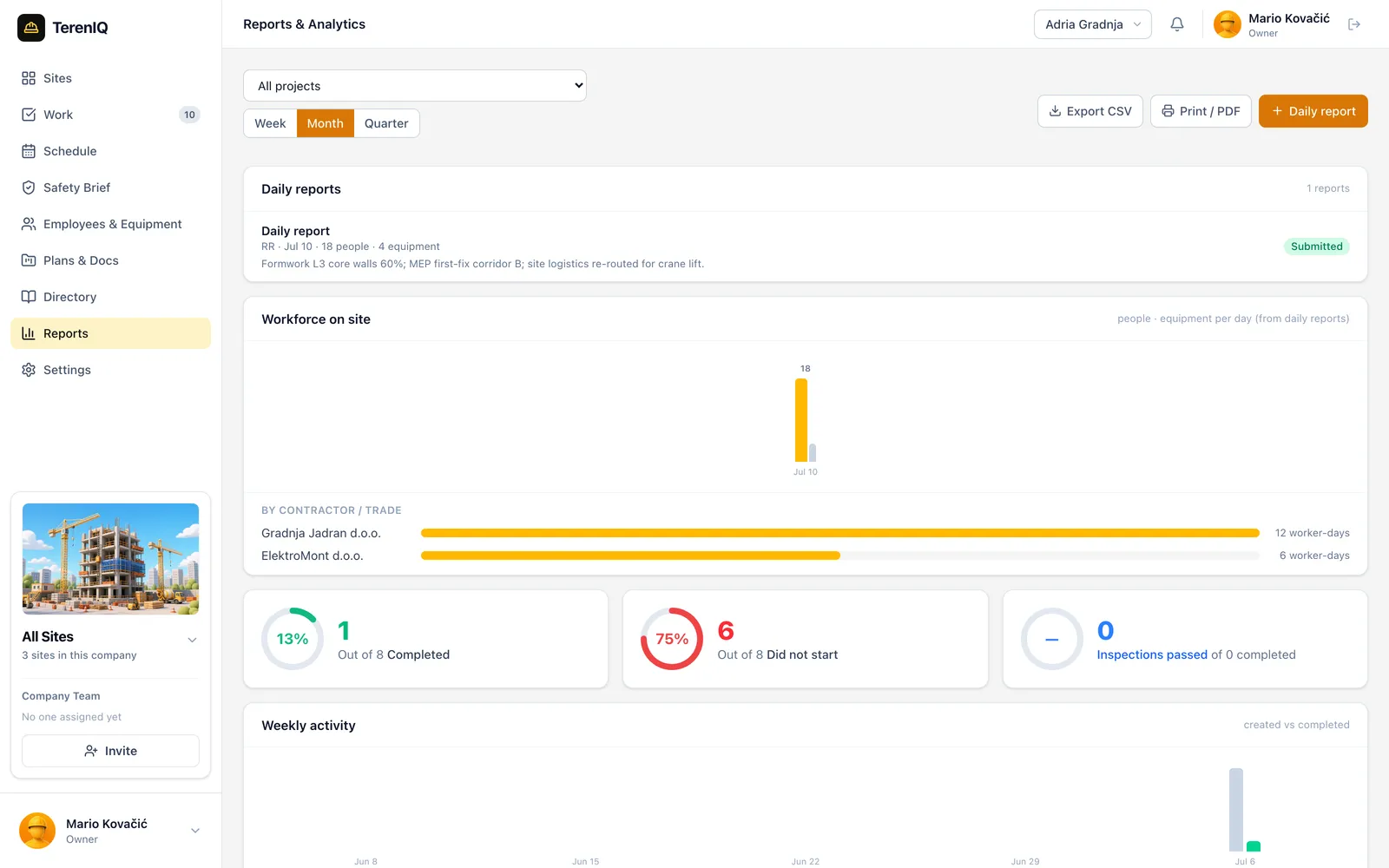
Labor, weather, progress photos and notes compile into a clean daily report you can send the moment the gate closes.
 from one app.
Daily reports, tasks, inspections, RFIs and safety briefs in one place, on the phones your crews already carry.
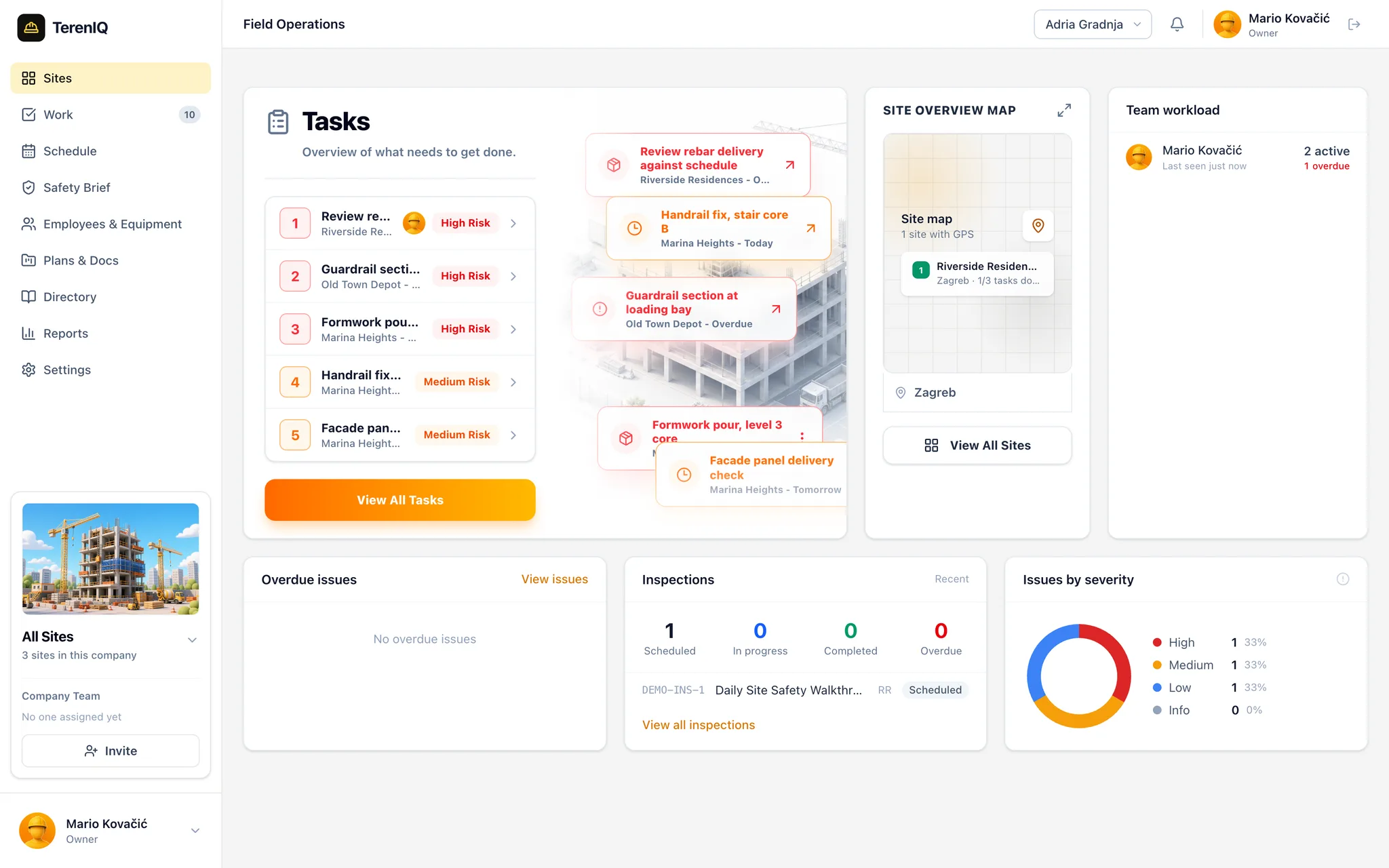
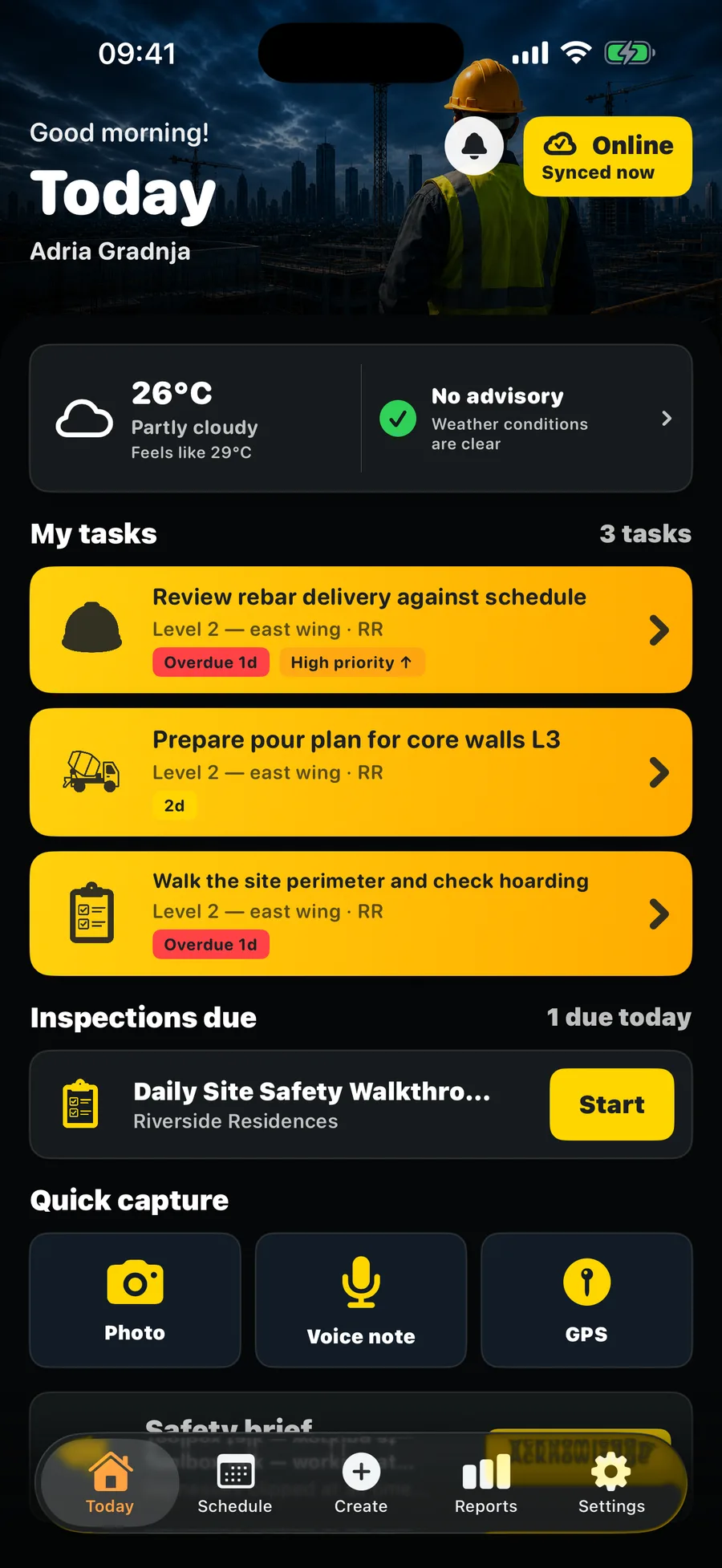
Paper forms don't survive rain. Spreadsheets don't walk the site. TerenIQ lives where the work happens.
Tasks, defects, RFIs, snags, inspections and handovers, plus the daily paperwork that proves the work happened.
Labor, weather, progress photos and notes compile into a clean daily report you can send the moment the gate closes.
Assign work with due dates, priority and photo evidence. Every item keeps its full status history.
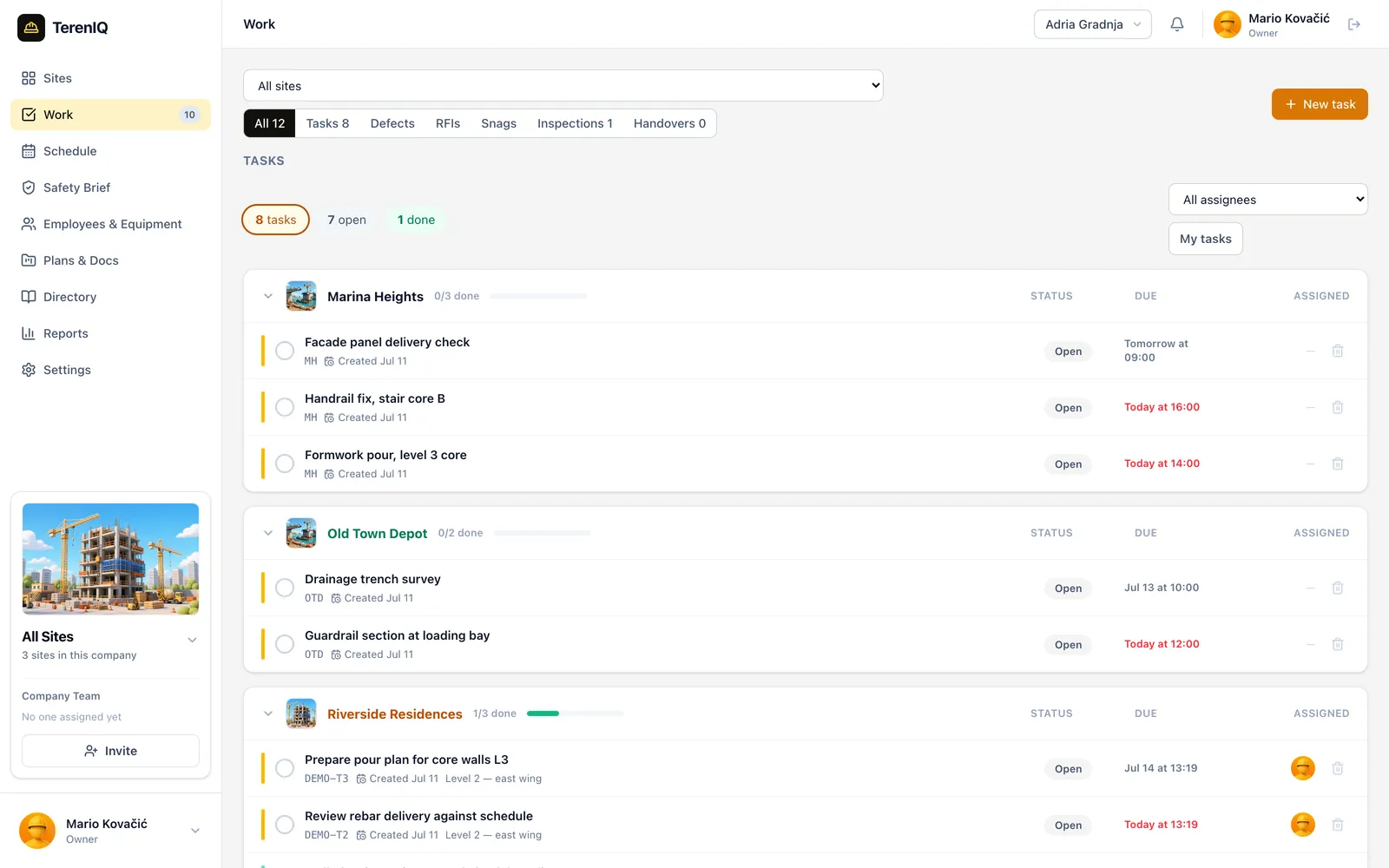
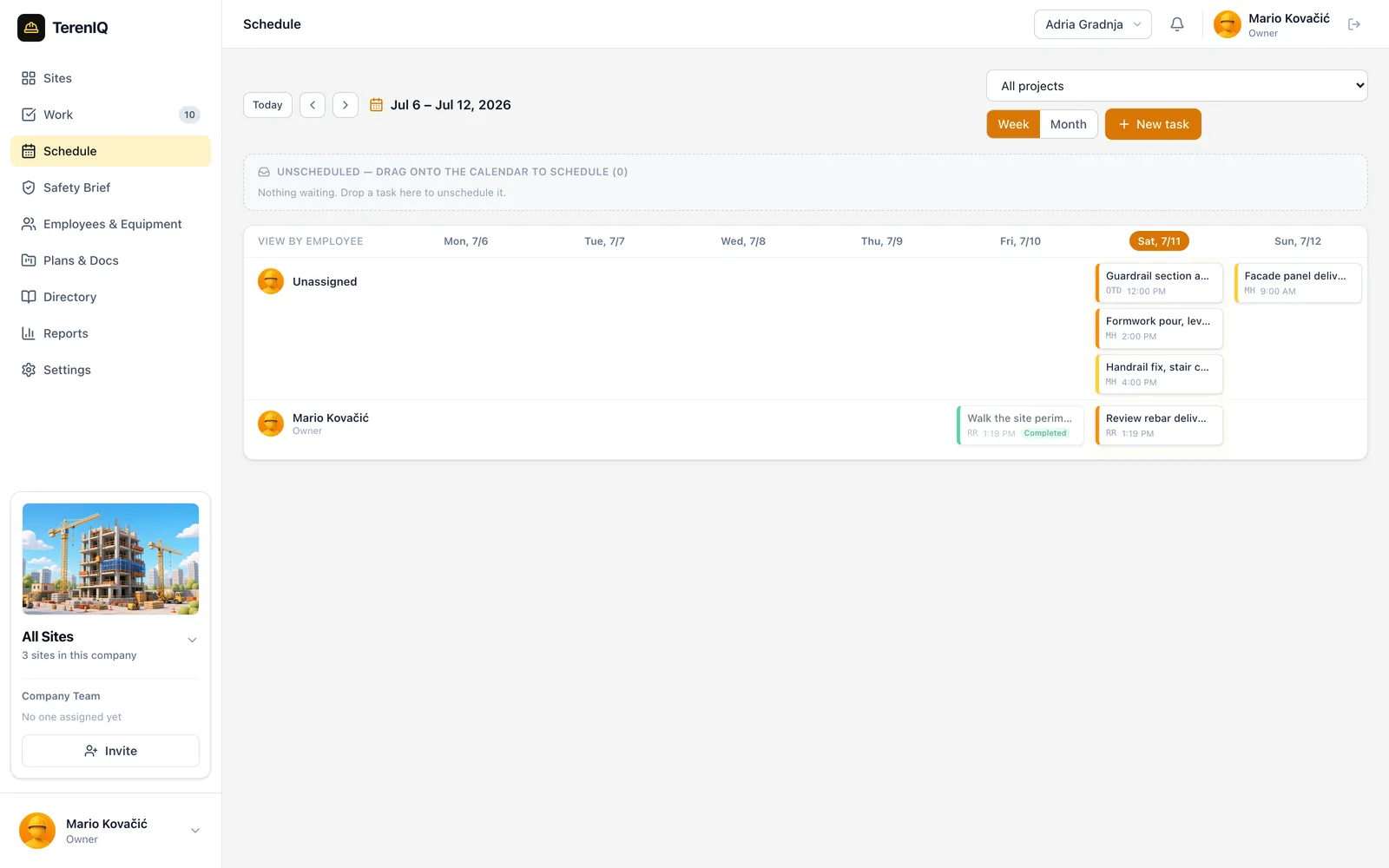
Build templates once, run them on a schedule. Overdue inspections flag themselves.
Drop a pin on the drawing and attach the defect. The plan stays the map of the work.
Every photo lands with GPS and a timestamp. Sign-offs happen on the phone, on the spot.


The same record the field wrote, browser-sized. Answer RFIs, move the schedule and send reports without driving out.
Follow a Tuesday from gate open to gate close, and count the phone calls that never had to happen.
06:45
The morning safety brief goes out and every worker taps to acknowledge. The log keeps names and times.
07:10
Wind picks up. The site advisory flags the lift plan and the crane holds before anyone stands idle.
09:30
The engineer drops a pin on the level 3 drawing, attaches two photos and assigns the fix with a due time.

13:00
The office answers from the web app. The foreman reads it on the phone without leaving the deck.
17:00
Labor, weather, photos and closed work roll into the daily report. One tap sends it to the client.

Permits, briefs and equipment records with names, times and GPS attached to every entry.
Also in every plan
Live weather and site advisories
Team directory with subcontractors
Roles from owner to guest
Push, email and in-app alerts
Recurring inspection schedules
Drawings and document register
Dashboards and workload views
Printable project reports
Four monthly seat options, just like in the iOS app. Every workflow is included and every plan starts with 14 days free.
TerenIQ Pro
Billed monthly
Selected plan
10 seats · €119.99 per month
Enterprise
A private TerenIQ deployment shaped around your organisation, infrastructure and workflows.
All four seat plans include the complete product and a 14-day free trial. Prices match the current iOS subscription tiers; local App Store pricing and taxes can vary by region.
"We replaced three WhatsApp groups and a binder of forms. The daily report goes out before I leave the cabin."
Manager
"Snag closeout on our last handover took days instead of weeks. Photos and pins made the difference."
CEO
"My foremen actually use it. That was the whole battle, and TerenIQ won it in a week."
Manager
Anything else, write to [email protected] and a human answers.
Labor per contractor, weather, progress photos and notes are captured during the day from the phone, then compile into a clean daily report you send to the client with one tap before the gate closes.
Yes. Build inspection checklist templates once, run them on a recurring schedule, and record pass/fail items with photos on site. Overdue inspections flag themselves and failed items become assigned tasks.
Log snags or punch items from the phone with photos and a pin on the drawing, assign them to the responsible subcontractor with a due date, and track the burn-down to zero — with client sign-off in the app at handover.
Yes. The morning safety brief goes out in the app and every worker taps to acknowledge — names and times land in an audit log nobody can quietly edit.
Yes. Hot works, confined space and working at height permits run through request, approval, activation and close-out, with a manager gate and a timestamped record at every step.
Raise an RFI from the phone with photos and a pin on the drawing. The office answers from the web app and the foreman reads it on the deck via push notification — the full history stays in the project record.
The iPhone app is offline-first. Crews browse, capture photos and submit records with no signal, and everything syncs in the background when coverage returns. No data loss, even after days offline.
Yes. Roles run from owner and admin down to viewer and guest, the directory tracks which subcontractor every person belongs to, and clients sign off handovers directly in the app.
Every trial runs 14 days with all features unlocked and no card required. We seed a sample project with tasks, an RFI, an inspection and a daily report so your first screen already shows the product working. Remove it anytime in Settings.
Choose a monthly plan for 5, 10, 15 or 25 seats. Every team size includes the complete product and a 14-day free trial. Need unlimited seats or a deployment on your own servers? Contact us for an Enterprise solution.
The web app runs in any modern browser and the iPhone app is built for the field. The same account works on both, with the same live data. Android is on the roadmap.
Your records stay yours. Export project reports while your account is active, and when you go we delete your company data on request. No lock-in games.

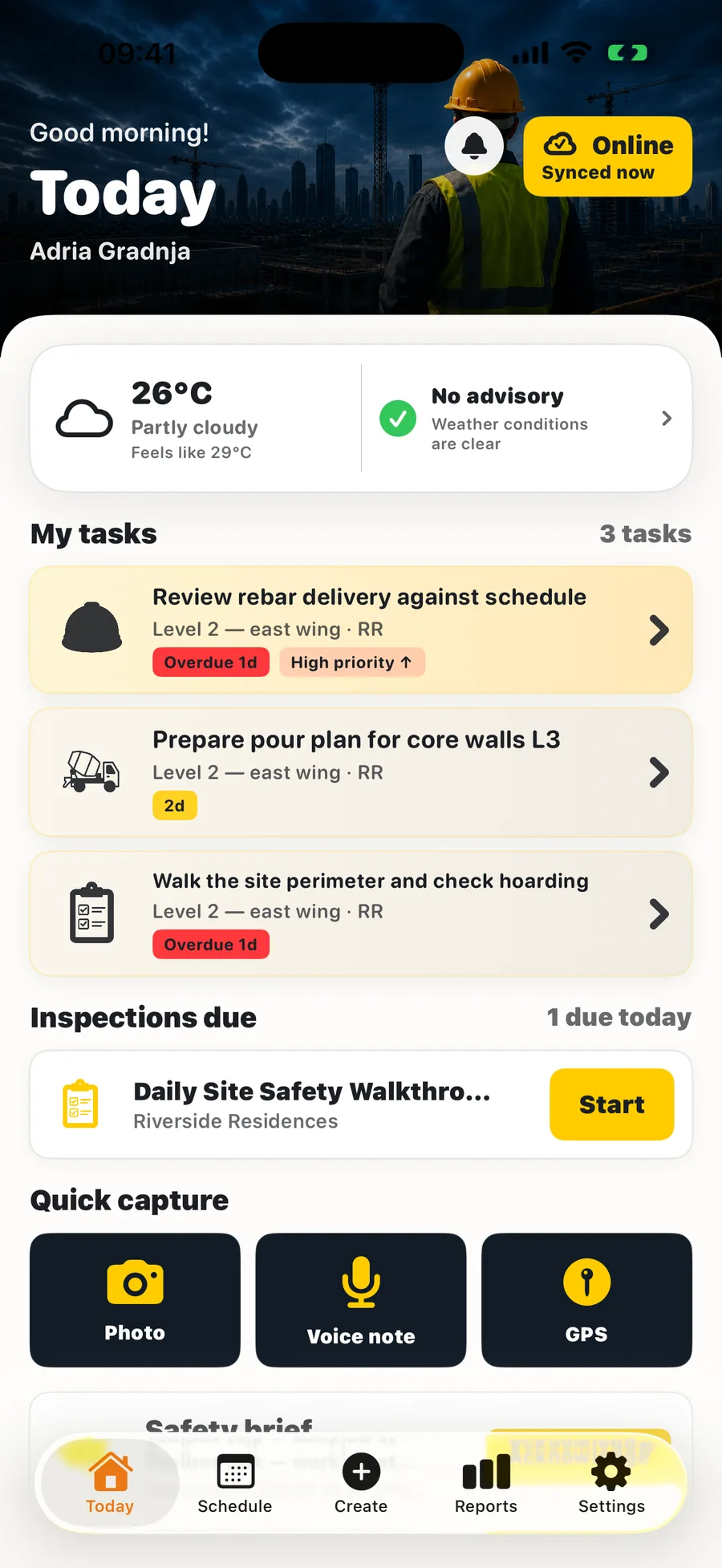
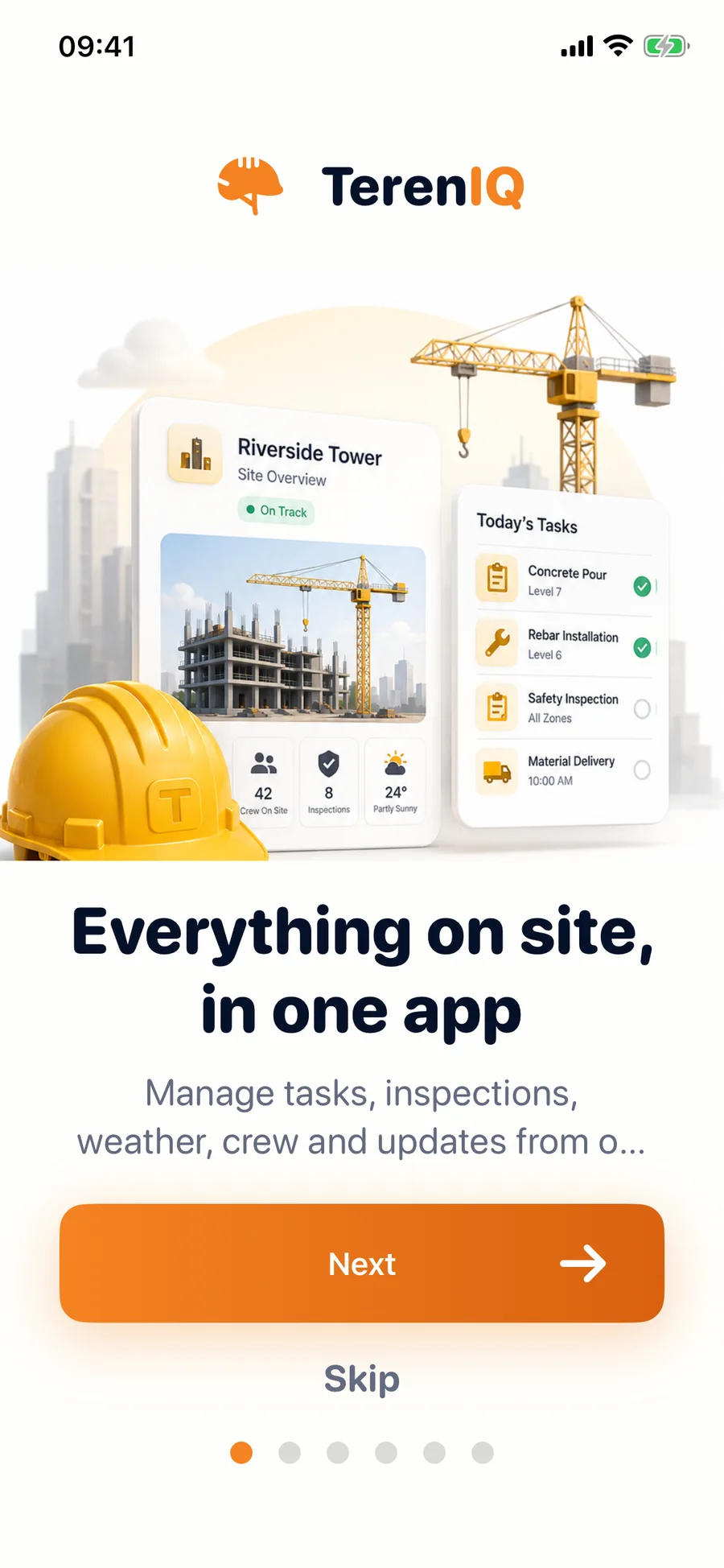
Create your account on the phone or on the web. The same login works everywhere, and the field never waits for the office.
Offline-first by design
Capture inspections, photos and signatures in the basement. Everything syncs when you surface.
Push that means something
Assignments, overdue work and answered RFIs reach the right pocket, not a group chat.
Live on web and iPhone
The office sees what the field sees, the moment it happens. One source of truth.