Why a construction app must work offline
Construction happens in basements, concrete cores, plant rooms and rural sites — precisely where mobile coverage dies. An app that needs signal to capture a record is an app that loses the record at the exact moment it mattered. Offline-first is not a feature; for field software it is the difference between a system of record and a fair-weather notebook.
What offline-first actually means
Marketing pages say “works offline” about three very different behaviors:
- Read-only cache: you can view data you already loaded, but capture fails. This is the most common — and least useful — interpretation.
- Queued forms: some forms save locally and submit later, but photos, signatures or attachments silently fail. The record survives; the evidence does not.
- Offline-first: the app works identically with zero signal — browse, capture photos with GPS metadata, fill inspections, collect signatures, create tasks — and everything syncs in the background when coverage returns, with no user action and no data loss.
Only the third is fit for site use, because the crew cannot be expected to know which of their records are “safe” to capture in the basement.
How to test it before you trust it
- Put the phone in airplane mode.
- Capture the full day's kit: an inspection with photos, a new task with a pin, a signature, a daily report entry.
- Keep it offline for hours — not seconds. Real dead zones last a shift, not an elevator ride.
- Restore signal and verify everything arrived: photos at full quality, GPS and timestamps intact (from capture time, not sync time), nothing duplicated, nothing dropped.
Run this in the vendor's trial. It takes twenty minutes and is more informative than any demo — see the full evaluation guide.
Doing this in TerenIQ
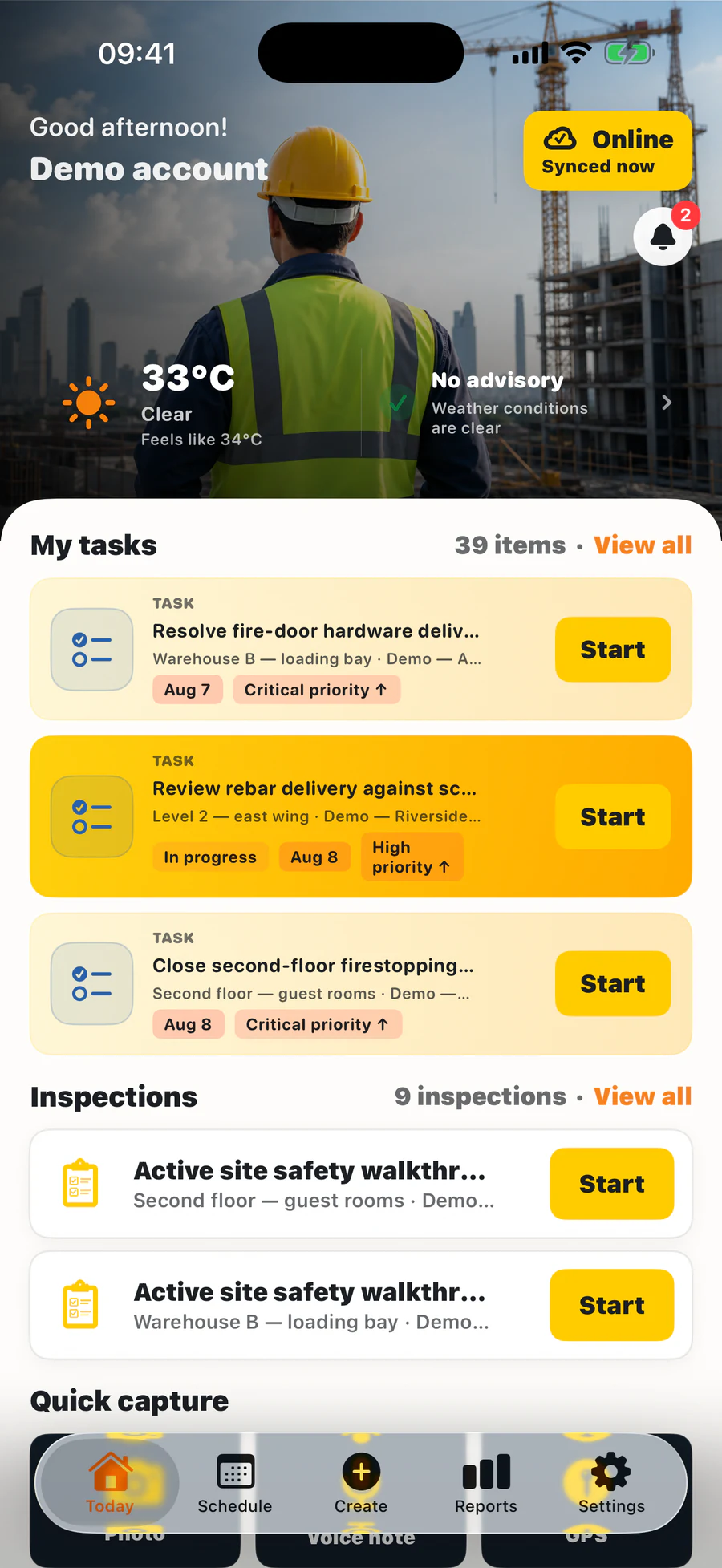
TerenIQ supports field work on iPhone and Android during weak connectivity:
- iPhone and Android queue supported field actions during weak connectivity and sync updates when the connection returns.
- Precise GPS is added only when a user chooses a location-enabled feature.
- The web app shows the office the moment the field surfaces.
Frequently asked questions
Why do construction apps need to work offline when sites have 4G?
The site office has 4G. The basement, the concrete core, the plant room and the far end of the infrastructure job do not — and that is where inspections, defects and safety records are actually captured.
Do photos keep GPS and timestamps when captured offline?
In a properly built offline-first app, yes — metadata is written at capture and preserved through sync. This is one of the specific things to verify in your airplane-mode test.
What happens if two people edit the same record offline?
Good systems merge non-conflicting changes and surface true conflicts for review rather than silently overwriting either side. Ask the vendor to demonstrate it.