Construction daily report software: what actually matters
Good construction daily report software captures labor, weather, photos and progress during the day and compiles the report in minutes — from a phone, offline, by people who hate paperwork. Here is the evaluation checklist we would use, including where TerenIQ fits.
The 7 capabilities that separate contenders
- Field-first capture. If the report is typed at a desk from memory, the software changed nothing. Photos, labor counts and notes must be capturable on the phone, in the moment.
- Offline that actually works. Sites have basements, dead zones and rural coverage. Capture must queue locally and sync later without losing anything — test this in the demo, not in production. More in why field apps must work offline.
- Automatic weather. Weather logged by the system every day is more credible in a claim than weather typed by the claimant.
- Photos with GPS and timestamps attached to the record they document, not dumped in a gallery.
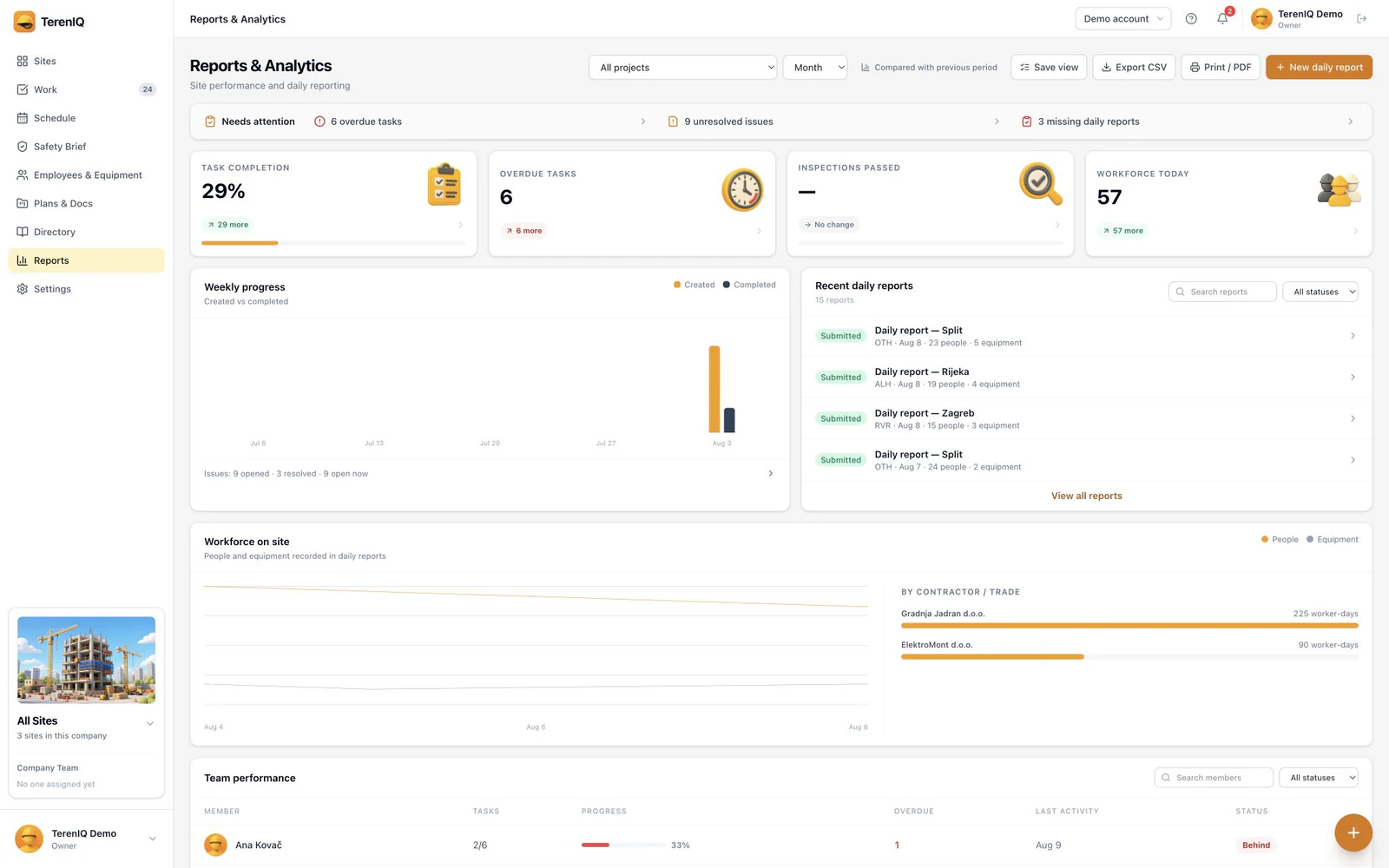
- Labor by subcontractor. Headcount per company and trade, not one total — that detail is what settles payment disputes.
- One-tap distribution. The report should reach the client as a clean document the same day, without export-format gymnastics.
- An audit trail. Who created what, when, from where — with history preserved. This is what makes the record evidence.
Questions that expose weak products in a demo
- “Show me capturing a report entry with the phone in airplane mode — then show me the sync.”
- “How many taps from opening the app to a photo attached to today's report?”
- “Can a subcontractor foreman enter their own headcount without seeing my other projects?”
- “What does the client receive, and does it need a login to read?”
- “What happens to our data if we cancel?”
On pricing: watch for per-project fees that punish growth, “storage tiers” that meter the photos your record depends on, and annual lock-in before the crew has proven they will use it. Per-seat pricing with a real trial is the honest model.
Doing this in TerenIQ
Against that checklist, TerenIQ was built as field-first daily reporting:
- Labor, weather, photos and notes compile into a clean daily report sent the moment the gate closes.
- The web app supports the office, while iPhone and Android support field teams. Mobile apps queue supported field actions during weak connectivity and sync updates when the connection returns.
- Photos stay attached to their records; precise GPS is added only when a user chooses a location-enabled feature.
- Monthly plans cover 5, 10, 15 or 25 seats, every plan includes daily reports, and the 14-day trial needs no card.
Frequently asked questions
How much does construction daily report software cost?
TerenIQ offers monthly options for 5, 10, 15 or 25 seats, with daily reports included on every plan. See the pricing section for current totals; local App Store pricing and taxes can vary.
Can daily report software replace our paper forms entirely?
Yes, and it should — a hybrid paper-plus-app process doubles the work and splits the record. See our guide on going paperless on site.
How long does rollout take for a small contractor?
Days, not months. Start one project, one foreman, one week of reports — then expand. TerenIQ seeds a sample project in the trial so the first login already shows a working example.