How to go paperless on a construction site
Going paperless on site is not a scanning project — it is moving your daily loops (reports, inspections, briefings, defects) into a system that captures them digitally at the source. Done in stages, it takes about 90 days; done as a big bang, it usually fails by week three.
The 90-day staged rollout
-
Days 1–30: daily reports and photos
Start where the pain is sharpest and the habit is daily. Foremen capture photos and the day's record on their phones; the binder version stops. One project, then all. This single stage removes the largest share of evening paperwork.
-
Days 31–60: tasks, defects and inspections
Move the work queue: assignments with pins and due dates, defects with photos, inspection checklists from templates. This is the stage where the office stops driving to site to know what is happening.
-
Days 61–90: safety records and permits
Briefings with per-worker acknowledgement, permits with digital gates, the equipment register. Safety goes last not because it matters least, but because it benefits most from the crew already being fluent in the app.
The rules that make it stick
- No parallel running beyond two weeks. Keeping paper 'just in case' means keeping paper. Set a date per stage when the paper version is retired, and honor it.
- The site manager goes first. If leadership still carries a clipboard, so will everyone else.
- Kill the WhatsApp shadow system deliberately. Photos and instructions in chat threads are the paper problem in digital costume — unfiled, unsearchable, metadata stripped. The rule: if it matters, it goes in the system.
- Let the old guard dictate simplicity, not the timeline. The app must be simple enough for the least digital foreman — but 'some of us prefer paper' cannot hold the record hostage. Pair skeptics with a fluent buddy for week one.
- Prove the payoff early. First dispute where the answer is found in thirty seconds — dated photo, signed brief, closed inspection — announce it. The system sells itself on the first saved argument.
Doing this in TerenIQ
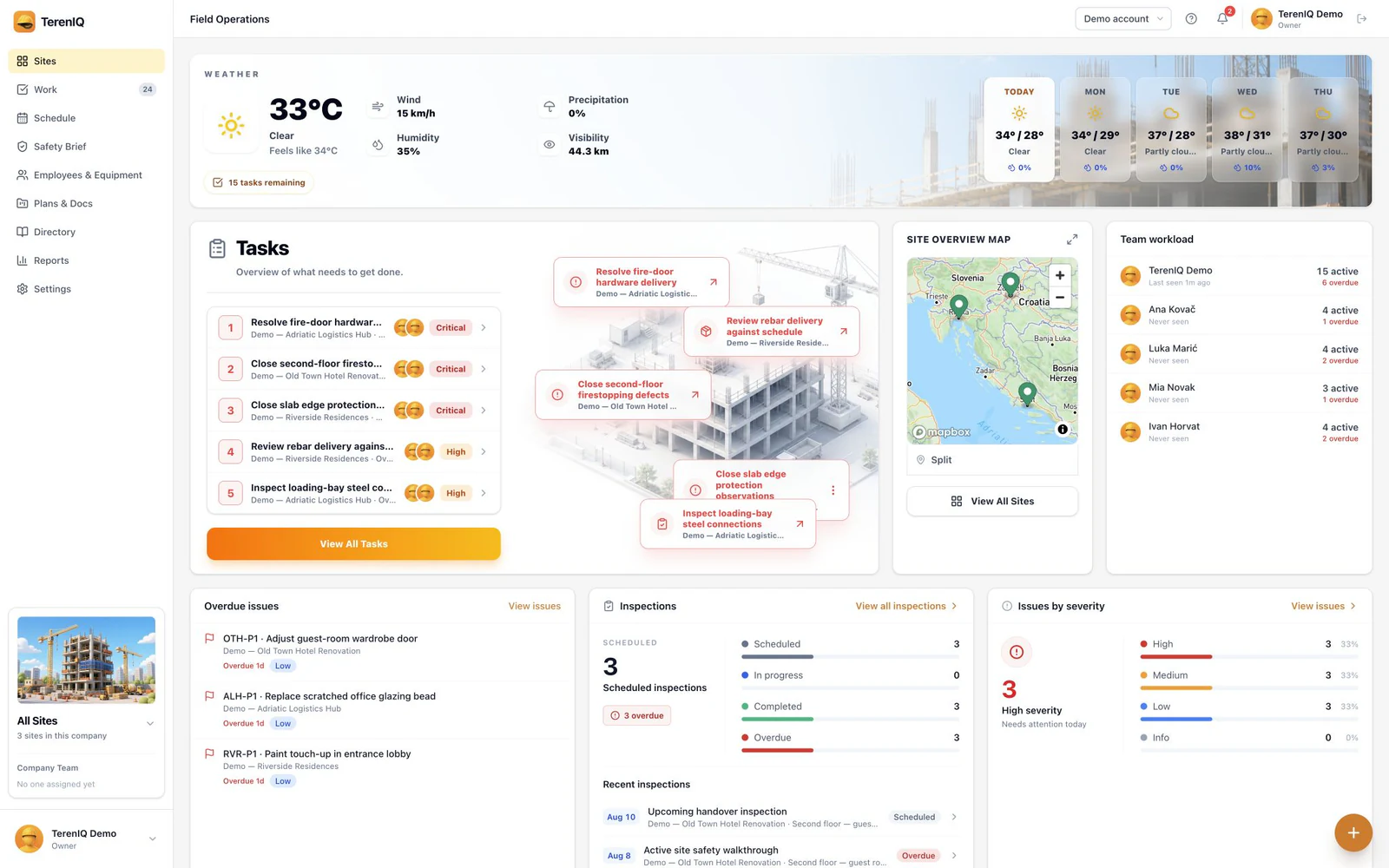
TerenIQ is the destination system for exactly this migration:
- Stage 1: daily reports compile from photos, labor and weather captured during the day.
- Stage 2: tasks, defects, snags and inspections in one queue with pins on the drawings.
- Stage 3: briefs with tap-to-acknowledge, permits with manager gates, the equipment register.
- Web, iPhone and Android access, monthly seat pricing, and a seeded trial project so the crew sees a working example on day one. Mobile apps queue supported field actions during weak connectivity and sync when the connection returns.
Frequently asked questions
Is a paperless site legally acceptable?
Digital records are accepted — and often preferred, thanks to timestamps and audit trails — across most jurisdictions for daily records, inspections and safety documentation. Check for the few documents your local law still requires in specific form (some permits and statutory registers).
What is the biggest risk in going paperless?
Half-migrating: some records digital, some paper, some in chat. The record fragments and both systems decay. Staged-but-complete beats everything-but-partial.
What does going paperless save?
The commonly cited figure is 1–2 hours per supervisor per day in writing, filing and chasing paperwork — plus the harder-to-price wins: records that survive rain, and evidence that can actually be found.