Construction safety apps: what to look for
A construction safety app should digitize the four loops that keep a site compliant — briefings, inspections, permits and equipment records — and produce the audit trail as a byproduct. Here is the feature checklist, and the rollout mistake that kills most safety software.
The capability checklist
- Briefings with per-worker acknowledgement. Not a PDF viewer — each worker confirms on their own device, with names and times logged. (Why this matters: toolbox talks.)
- Inspection templates on a schedule. Build checklists once, recur them, and have overdue inspections flag themselves. Failed items must convert to assigned tasks, or findings die in reports.
- A real permit workflow. Request → approve → activate → close, with named manager gates — not a form that emails a PDF. (The full loop: permit to work.)
- Equipment records with expiry awareness. Certificates and next-inspection dates that surface before they lapse.
- Offline capture. Safety records are made in basements and dead zones; the app must work there and sync later.
- An immutable audit trail. Author, GPS, timestamp, preserved history on every record — the property that makes the rest count as evidence.
The rollout mistake that kills safety apps
Buying safety software as a separate app from the one crews use for daily work. If tasks and photos live in one tool and safety lives in another, the safety app loses the battle for pocket space within a month — compliance becomes a second job again, and adoption collapses to the safety officer alone.
The pattern that works: safety workflows inside the same app that runs tasks, daily reports and photos. The crew opens one app because their work is in it; the briefing acknowledgement is two taps on the way in. Adoption is the feature — everything else is secondary.
Doing this in TerenIQ
TerenIQ takes exactly that integrated approach:
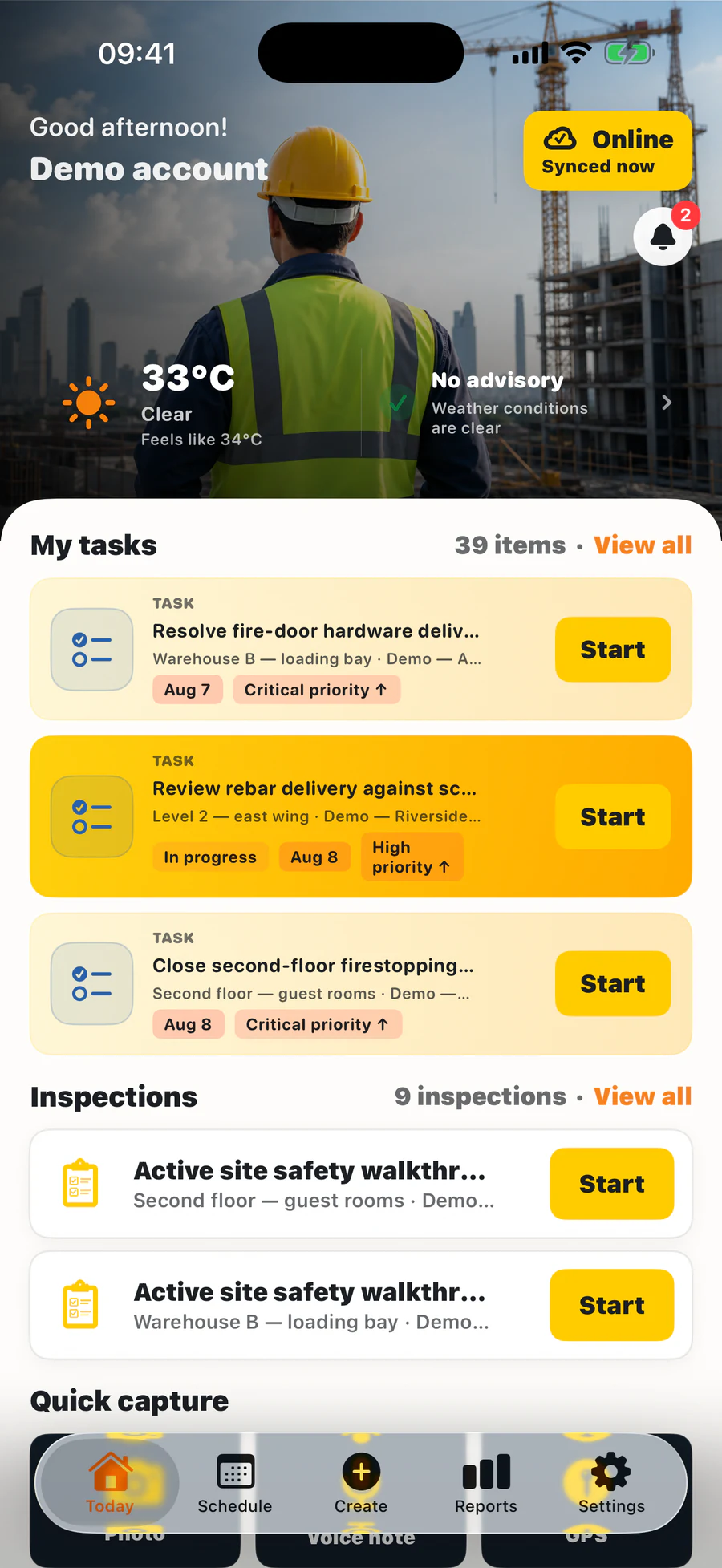
- Safety briefs with per-worker acknowledgement, inspection templates on recurring schedules, permits with manager gates, and an equipment register — in the same app the crew already uses for tasks, photos and daily reports.
- The web app supports the office, while iPhone and Android support field teams. Mobile apps queue supported field actions during weak connectivity and sync updates when the connection returns.
- Records keep their author and time with preserved history. Precise GPS is added only when a user chooses a location-enabled feature.
- Monthly options are available for 5, 10, 15 or 25 seats; safety workflows are included rather than sold as a separate add-on.
Frequently asked questions
What should a construction safety app cost?
Pricing and packaging vary by vendor. TerenIQ offers monthly options for 5, 10, 15 or 25 seats; see the pricing section for current totals, and check whether other products gate briefings or permits behind higher tiers.
Can a safety app replace our safety consultant?
No — it replaces the paperwork, not the expertise. It makes your consultant's system actually happen on site, and gives them evidence instead of assurances.
How do we get subcontractor crews onto the safety app?
Give them scoped access in your project rather than hoping they buy their own tool. In TerenIQ, the directory tracks which company each person belongs to, and roles control what they see.